Posted by João Martins on 13 Apr 2026
How to Send Form Data to Google Sheets with PHP
Forward your PHP form submissions to Google Sheets using Form2Sheet and cURL
If you're running a PHP website and want to store form submissions in Google Sheets, Form2Sheet makes it effortless. Instead of setting up complex database connections, just forward your form data to Form2Sheet's API with a simple cURL call.
Step 1: Prerequisites
The first step in integrating Form2Sheet is to subscribe either monthly or yearly.
Then, go to https://form2sheet.com and create your first
spreadsheet.
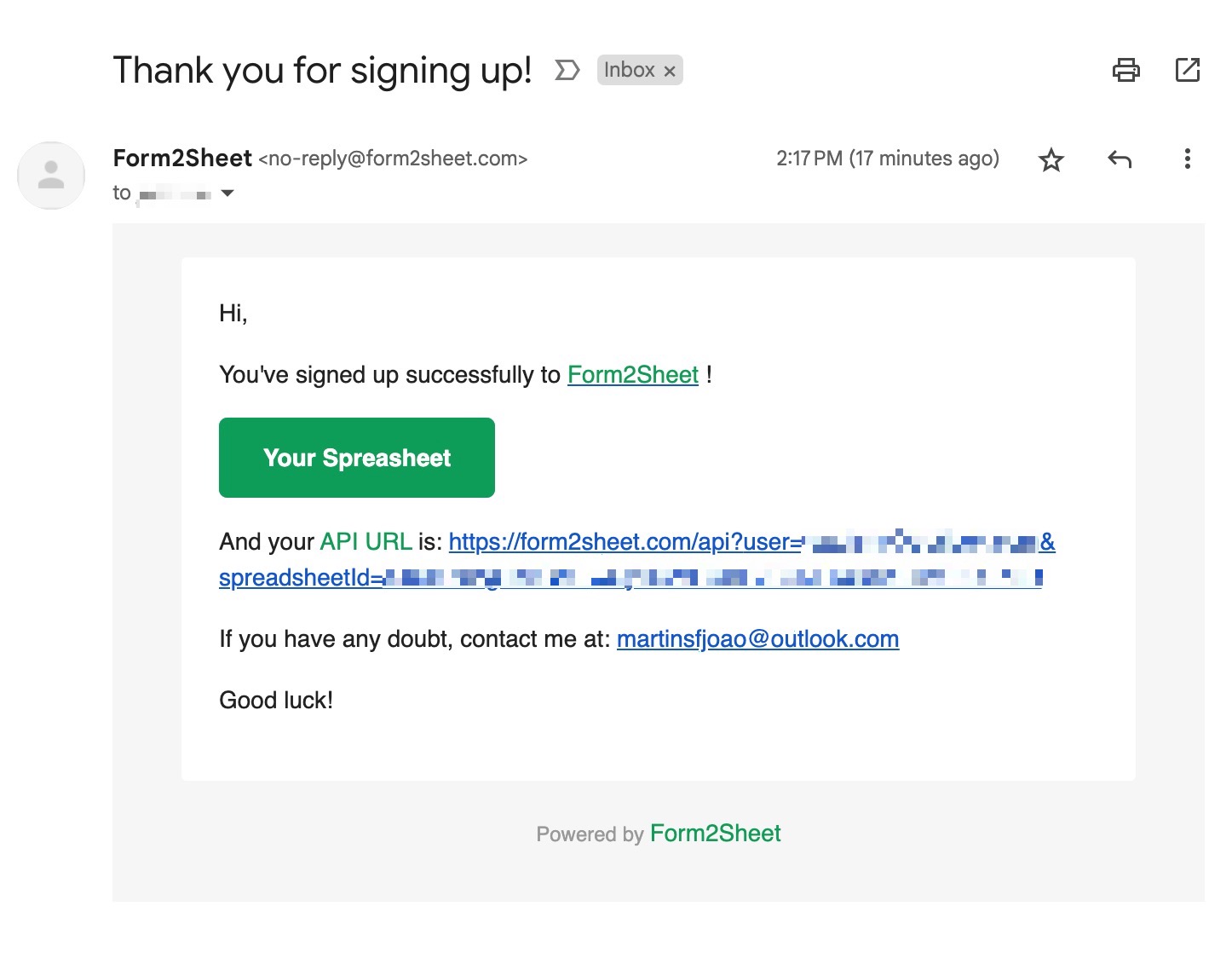
(Email received after creating a spreadsheet)
Step 2: Building Your PHP Form Handler
Create a standard HTML form that posts to a PHP handler. The PHP script then forwards the data to Form2Sheet using cURL. Make sure to replace the $API_URL with the one you received
in your email (check your spam folder as well).
HTML Form (contact.html):
                                    <!-- contact.html -->

                                    <form action="submit.php" method="POST">

                                      <label>Name:</label>

                                      <input type="text" name="name" />

                                      <label>E-mail:</label>

                                      <input type="email" name="email" />

                                      <label>Message:</label>

                                      <textarea name="message"></textarea>

                                      <input type="submit" value="Submit" />

                                    </form>
PHP Handler (submit.php):
<?php
// submit.php
$apiUrl = '';
$postData = http_build_query($_POST);
$ch = curl_init($apiUrl);
curl_setopt($ch, CURLOPT_POST, true);
curl_setopt($ch, CURLOPT_POSTFIELDS, $postData);
curl_setopt($ch, CURLOPT_RETURNTRANSFER, true);
$response = curl_exec($ch);
curl_close($ch);
header('Location: thanks.html');
exit;
?>
Step 3: Submitting the Form
In the GIF below, you can see how after submitting the form you check the results in
your Spreadsheet.
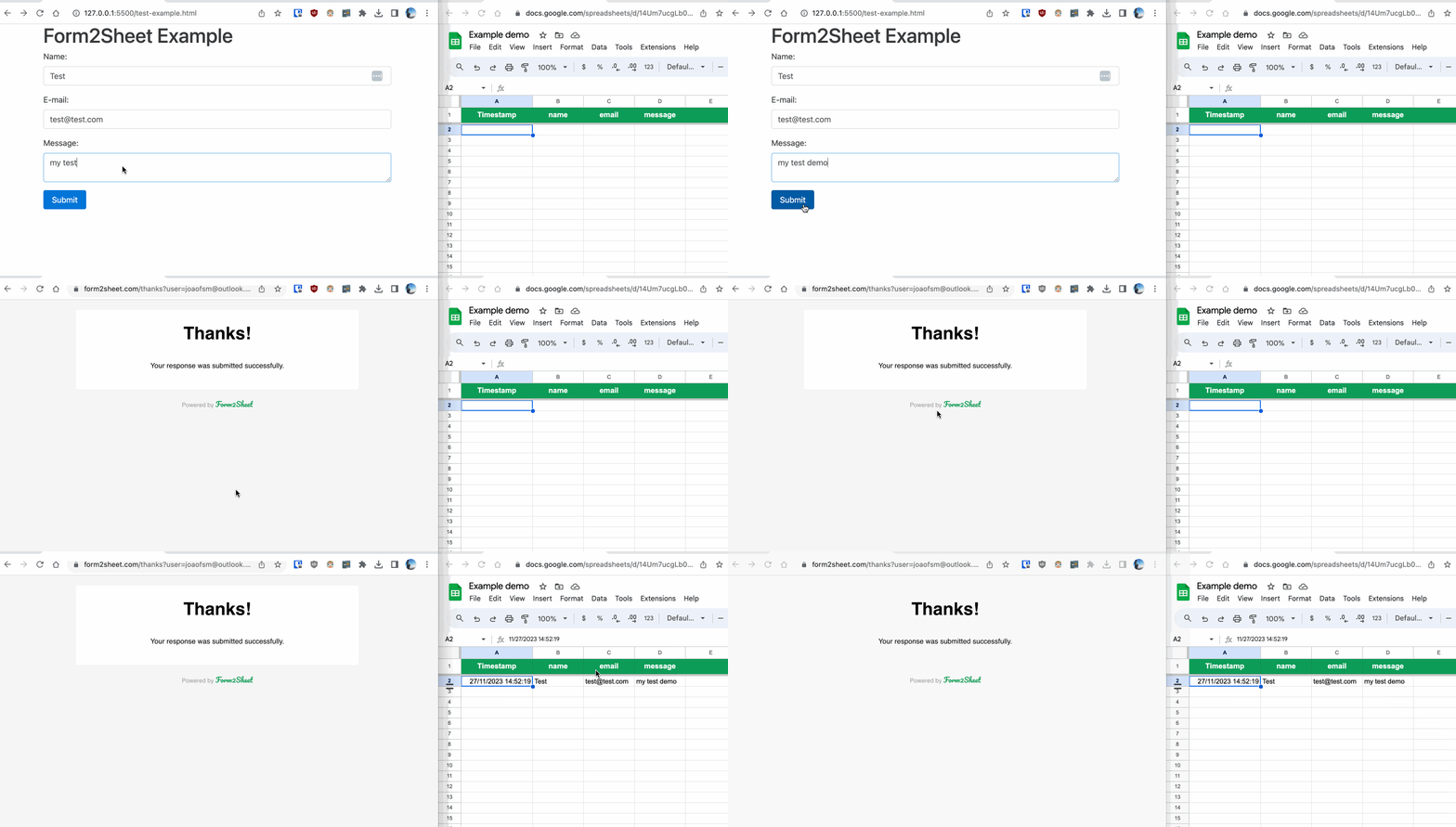
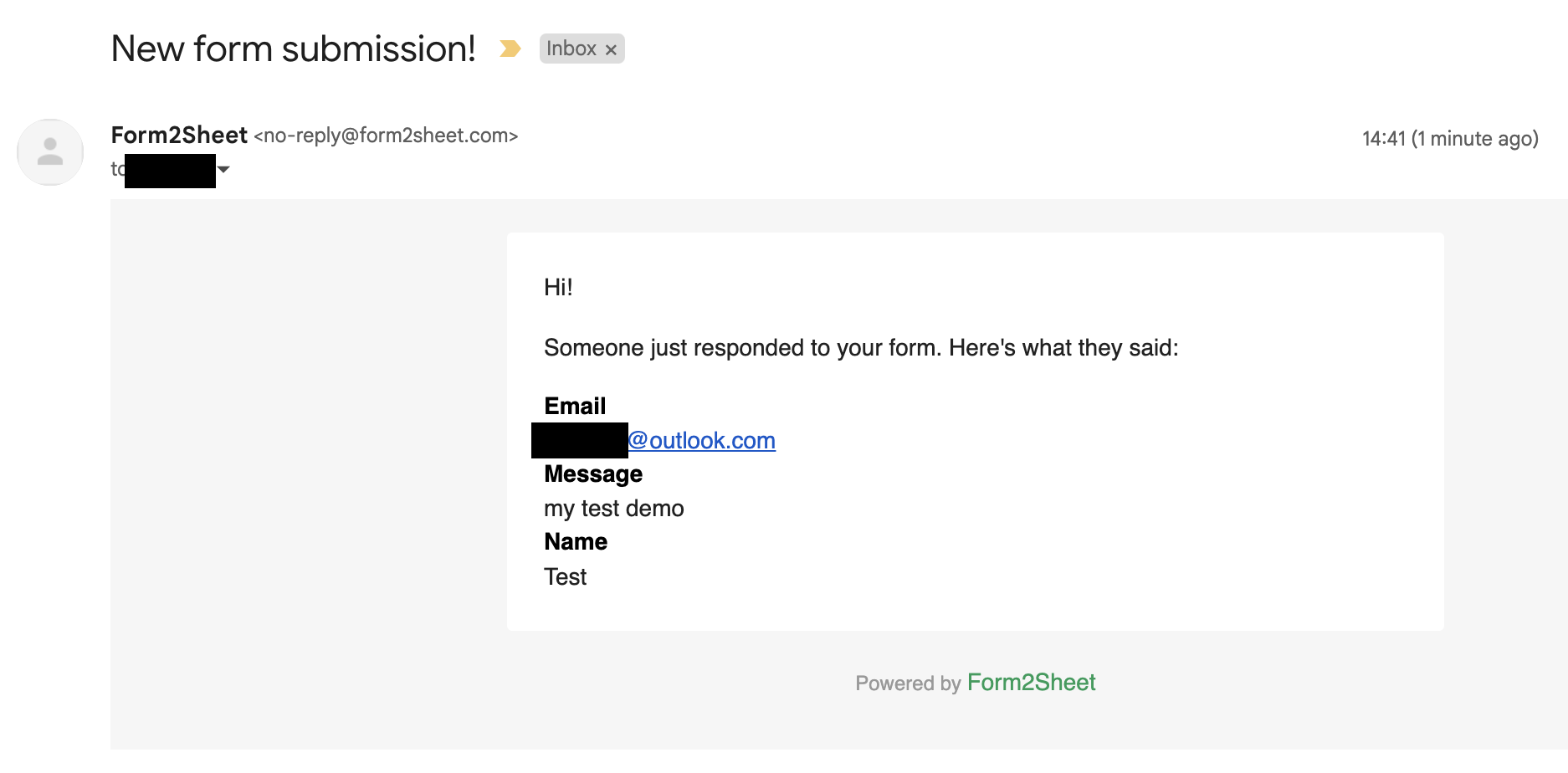
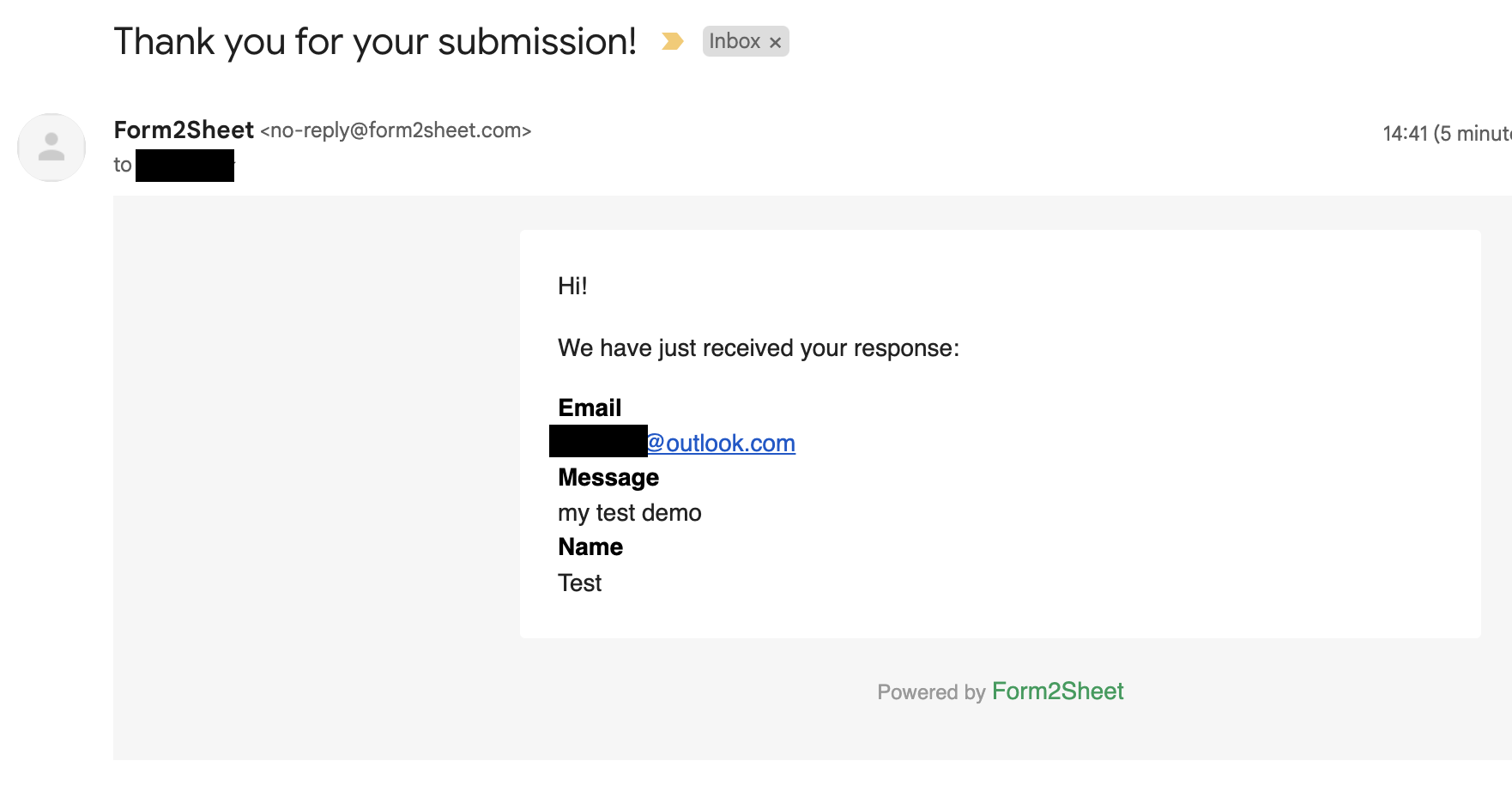
Besides that, you and the respondent will receive a confirmation email with the data
submitted.
And that's is! Simple as that. Aditionally, you can create Unlimited Spreadsheets, customize the Thank You page, add as many Custom Form Fields as you want and remove the Form2Sheet branding from the emails.

Conclusion
Congratulations! You can now go ahead and publish your custom form. It is now
ready to start collecting responses. With
Form2Sheet, the process is streamlined, and you can focus on obtaining valuable data
without
the hassle of complicated setups.
If this made you curious, go ahead and check our pricing below.