Posted by João Martins on 13 Apr 2026
How to Submit a Svelte Form to Google Sheets
Connect your Svelte forms to Google Sheets using Form2Sheet - no backend needed
Svelte's reactive approach means less boilerplate and faster forms compared to other frameworks.
Pair it with Form2Sheet and you can pipe form submissions directly to Google Sheets without touching any server code.
In this tutorial, you'll learn how to use Svelte's bind:value directive and the fetch API to submit form data to Google Sheets via Form2Sheet - minimal code, maximum results.
Step 1: Prerequisites
The first step in integrating Form2Sheet is to subscribe either monthly or yearly.
Then, go to https://form2sheet.com and create your first
spreadsheet.
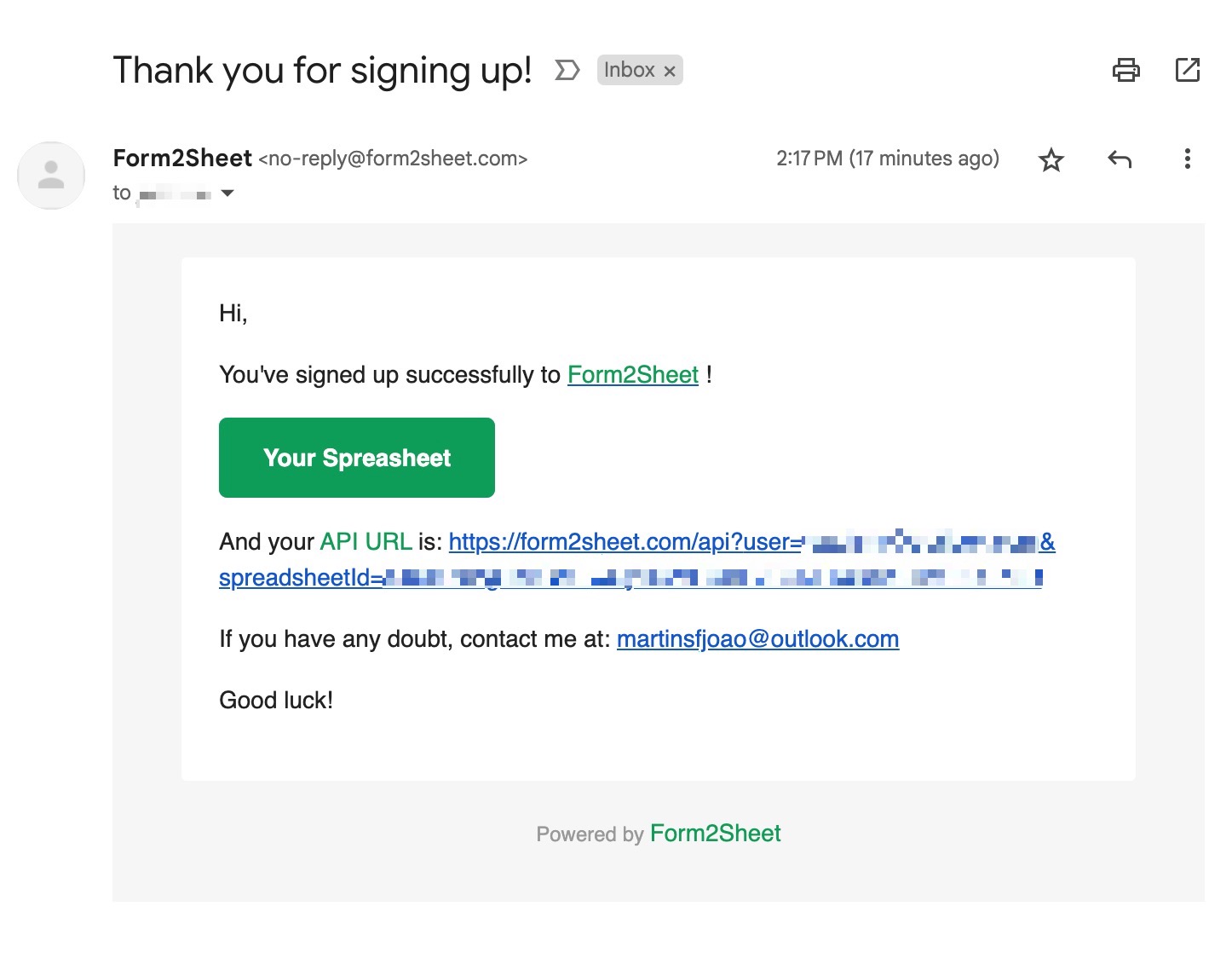
(Email received after creating a spreadsheet)
Step 2: Building Your Svelte Form Component
With Svelte, you declare reactive variables and bind them directly to form inputs using bind:value. On submit, build a FormData object and POST it to the Form2Sheet API URL using fetch. Make sure to replace the $API_URL with the one you received
in your email (check your spam folder as well).
<script>
let = '';
let = '';
let = '';
async function handleSubmit() {
const formData = new FormData();
formData.append('name', name);
formData.append('email', email);
formData.append('message', message);
await fetch('', { method: 'POST', body: formData });
alert('Form submitted successfully!');
}
</script>
<form on:submit|preventDefault={handleSubmit}>
<label>Name:</label>
<input type="text" bind:value={name} />
<label>E-mail:</label>
<input type="email" bind:value={email} />
<label>Message:</label>
<textarea bind:value={message}></textarea>
<button type="submit">Submit</button>
</form>
Step 3: Submitting the Form
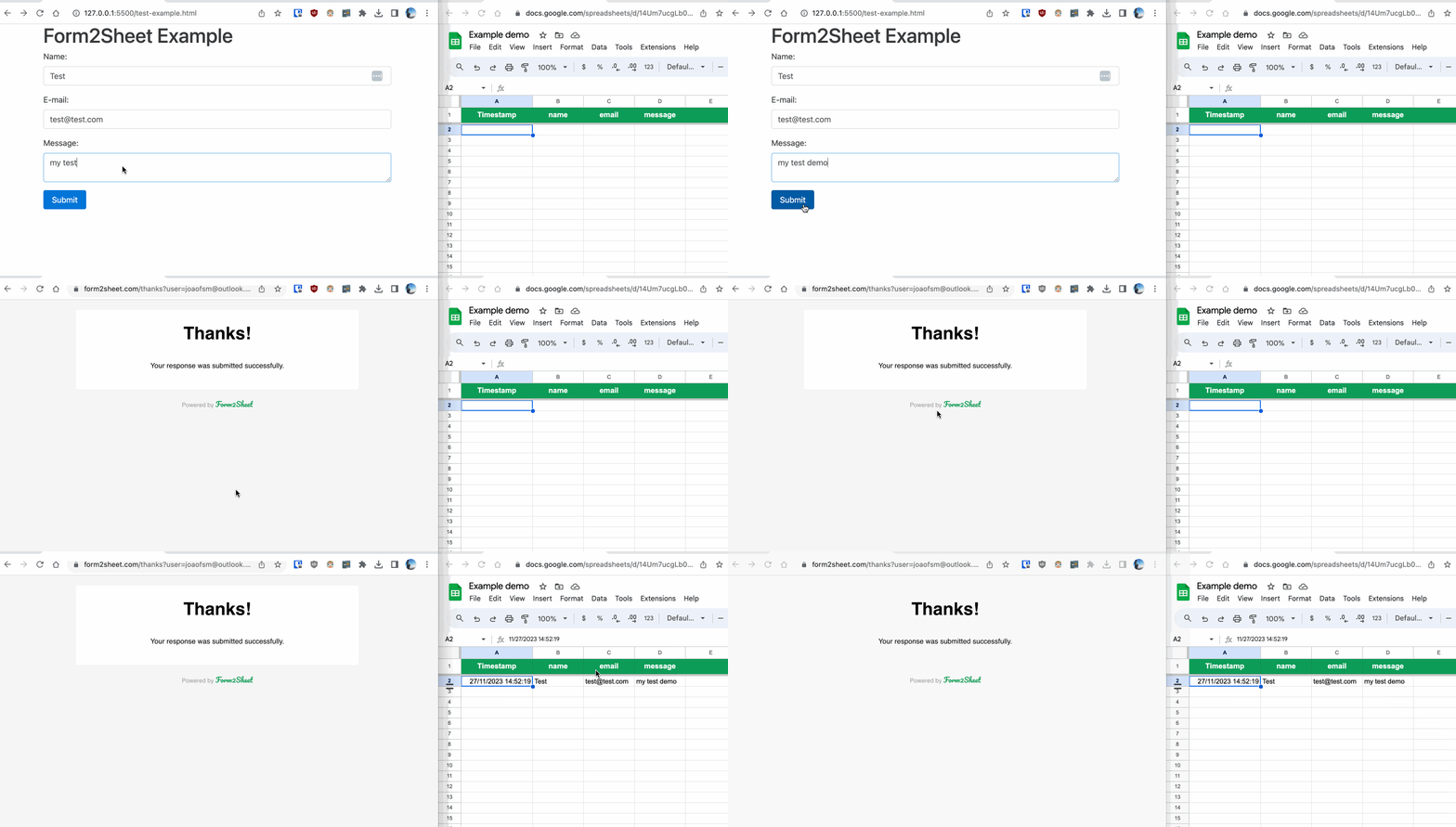
In the GIF below, you can see how after submitting the form you check the results in
your Spreadsheet.
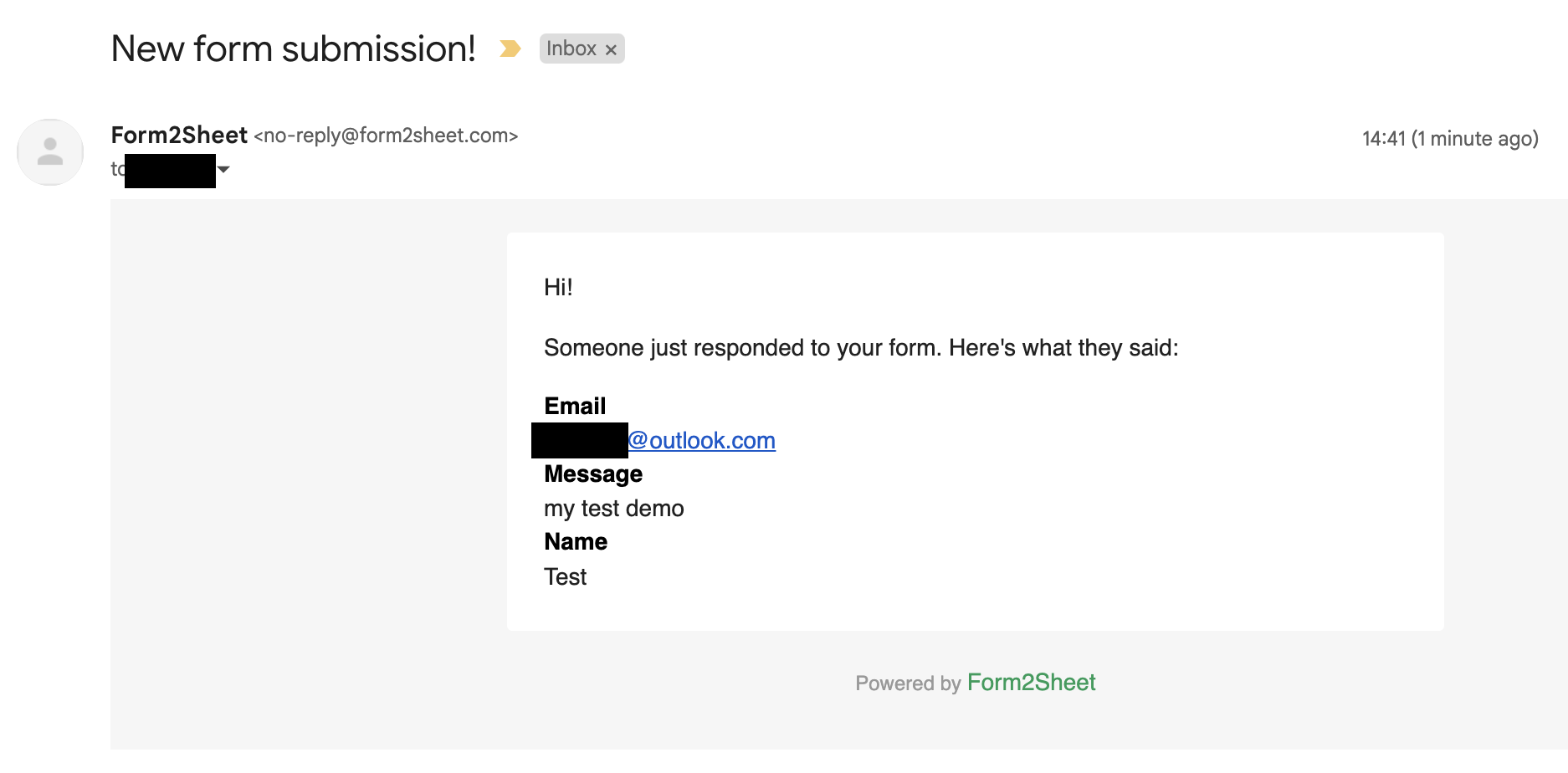
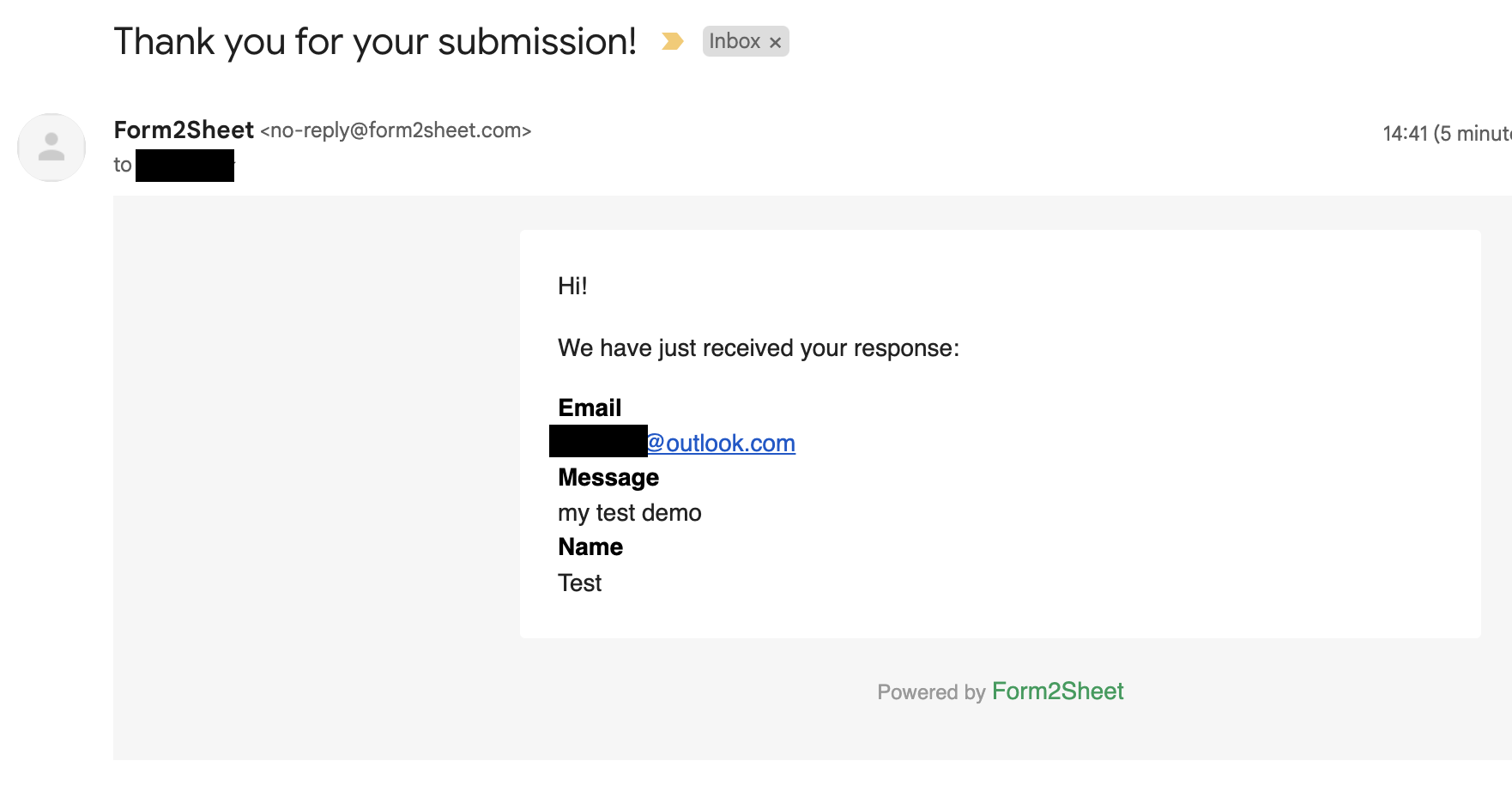
Besides that, you and the respondent will receive a confirmation email with the data
submitted.
And that's is! Simple as that. Aditionally, you can create Unlimited Spreadsheets, customize the Thank You page, add as many Custom Form Fields as you want and remove the Form2Sheet branding from the emails.

Conclusion
Congratulations! You now know how to submit a Svelte form to Google Sheets using Form2Sheet. With Svelte's bind:value and fetch, you get the simplest possible form-to-spreadsheet setup - no backend, no boilerplate, just clean reactive code.
If this made you curious, go ahead and check our pricing below.
Related Guides: