Posted by João Martins on 13 Apr 2026
Form with Email Notifications to Google Sheets
Save every response to a spreadsheet and get notified by email — automatically
Most form solutions make you choose: save data to a spreadsheet OR get email notifications. With Form2Sheet you get both. Every submission is stored in your Google Sheet and triggers email notifications — one to you with the full response, and one to the respondent as confirmation. No backend, no coding, no Zapier.
Step 1: Prerequisites
The first step in integrating Form2Sheet is to subscribe either monthly or yearly.
Then, go to https://form2sheet.com and create your first
spreadsheet.
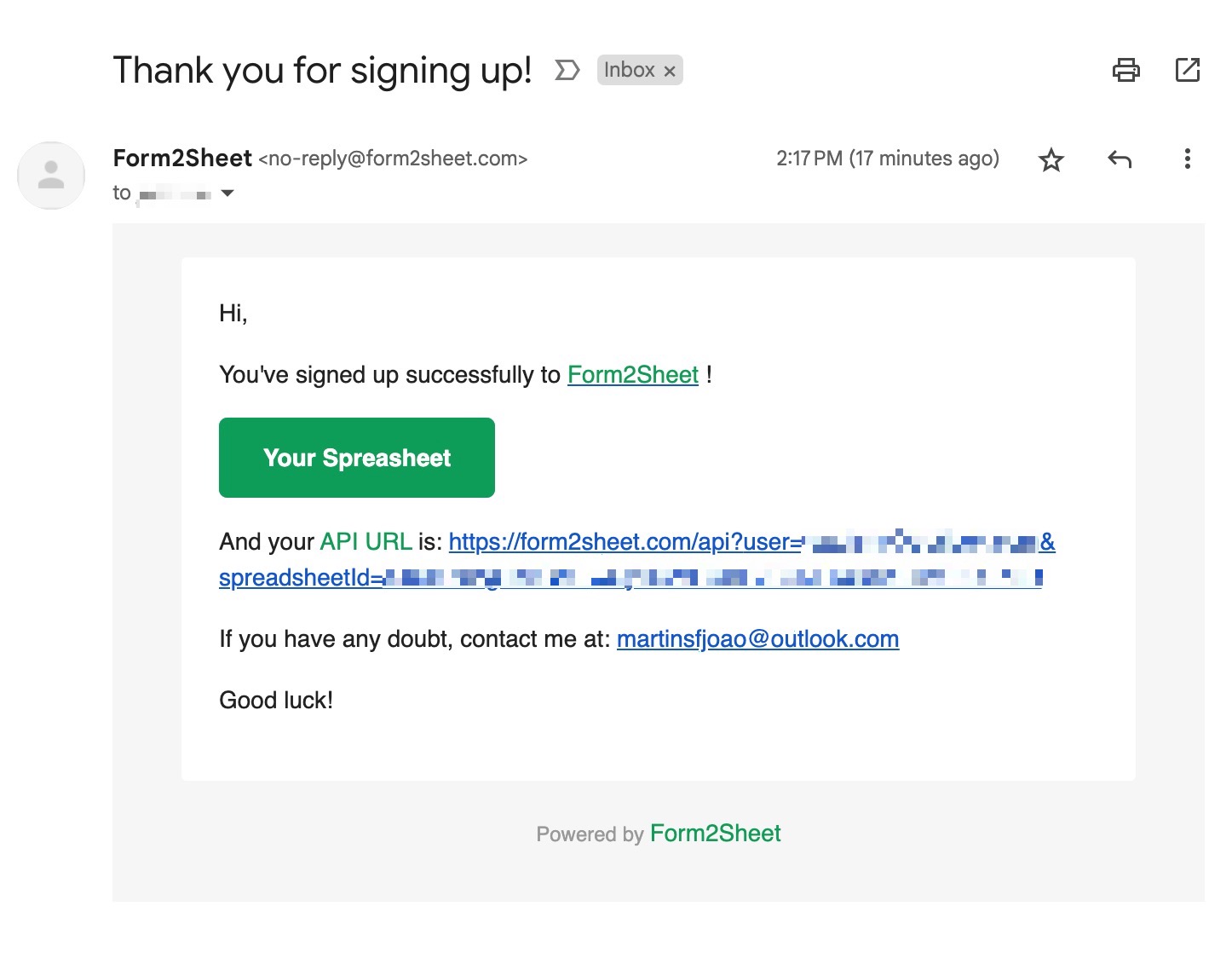
(Email received after creating a spreadsheet)
This email contains your unique API URL. Form2Sheet automatically handles both data storage and email notifications — there's nothing extra to configure.
Step 2: Building Your Form
Create a standard HTML form that posts to your Form2Sheet API URL. The name attribute on each input becomes a column in your Google Sheet. Make sure to include an email field — Form2Sheet uses it to send the confirmation email to the respondent. Replace the $API_URL with the one you received
in your email (check your spam folder as well).
<form action="" method="">
<label>Name:</label>
<input type="text" name="name" required>
<label>Email:</label>
<input type="email" name="email" required>
<label>Phone:</label>
<input type="tel" name="phone">
<label>Message:</label>
<textarea name="message"></textarea>
<input type="submit" value="Submit">
</form>
Step 3: What Happens on Submit
When someone fills in and submits the form, three things happen automatically:
- Data is saved to your Google Sheet — each field becomes a column, each submission a new row.
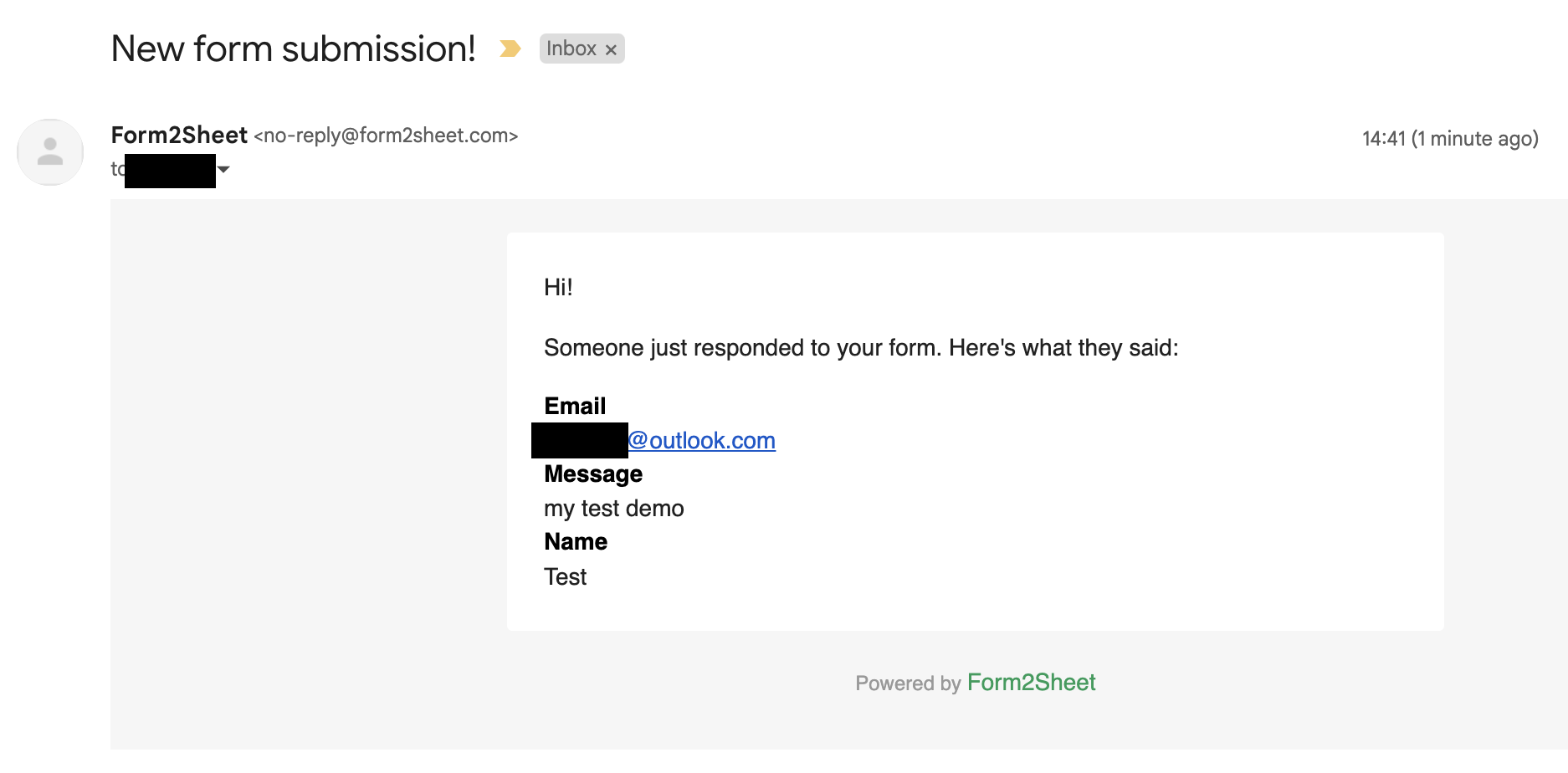
- You receive an email notification with the complete form data, so you never miss a lead or inquiry.
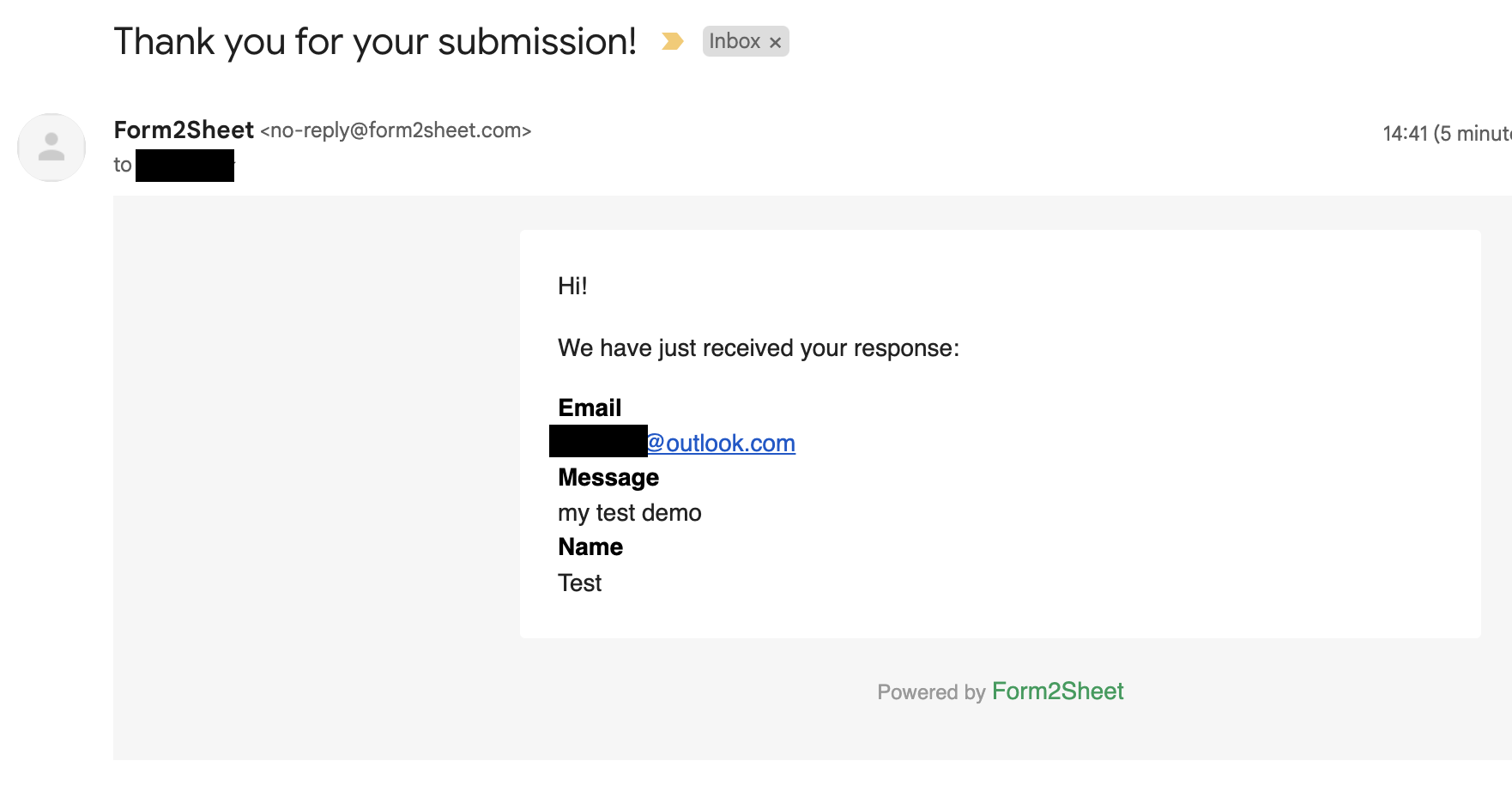
- The respondent receives a confirmation email so they know their message was received.
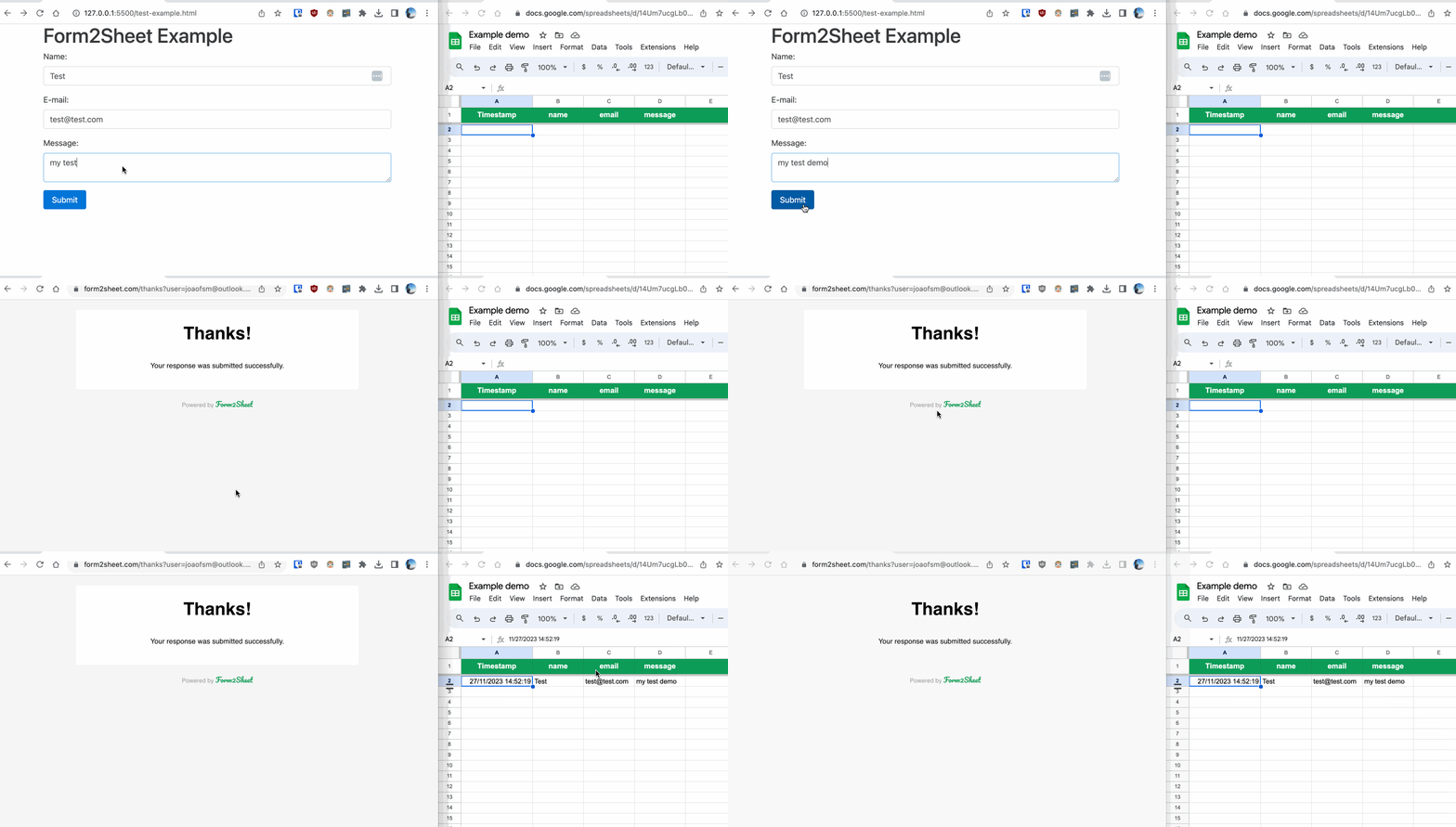
In the GIF below, you can see how after submitting the form you check the results in
your Spreadsheet.
Here's what the email notifications look like — one for you (the site owner) and one for the respondent:
And that's it! No Zapier, no third-party email service, no backend code. Form2Sheet handles storage and notifications in one step.

Conclusion
With Form2Sheet, you don't need separate tools for data collection and email alerts. Every form submission is saved to your Google Sheet and triggers instant email notifications — all from a single HTML form. No plugins, no backend, no complicated workflows.
If this made you curious, go ahead and check our pricing below.